





How to start playing
Your first card in a minute and what to do next
AnyDeck is a collection of anime cards in Telegram. You spin the deck of your favorite universe, collect characters, send the best ones to the arena and fight the world boss together with everyone else.
First launch
The easiest way to start is in the bot. Open @anydeck_bot, tap “Start” and choose a universe - that’s it, you’re registered. The game takes your nickname from your Telegram name, and you can change it any time.
Registration in the bot only works in private messages, not in a group
The app works the same way, except you type your nickname yourself - 3 to 14 characters (letters, digits, space, period, hyphen, underscore).
Which universe to choose
Spins always come from one universe - the one you’re in right now. Pick the one whose heroes you want to collect first. You can switch it any time for free, and your cards stay with you.

What you have at the start
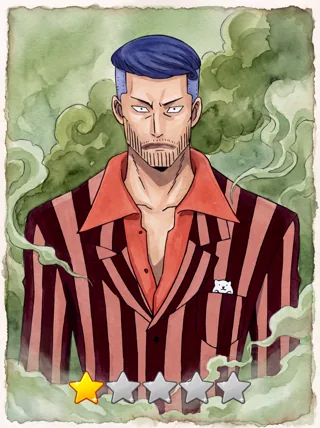
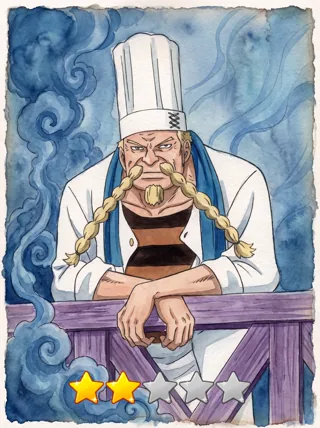
Your spin stock is full from the very first second: tap “Spin” (in the bot - “Get a card”) and see what you got. The arena is open right away too.
The first half hour
- Use your three free spins - these are the first cards in your collection.
- Check your quests: four quests a day pay out in shards.
- Build a team in the arena - even two cards are enough - and fight your first battle.
- Dismantle the deck (in the bot - ): your cards stay intact, and a handful of shards turns up among them. You can do it once every four hours.
- Enter a promo code: the active ones are on the promo codes page, and new ones come out in the game channel.